Native macOS app for Docker and local container runtimes
Native macOSContainer Manager for Apple Silicon
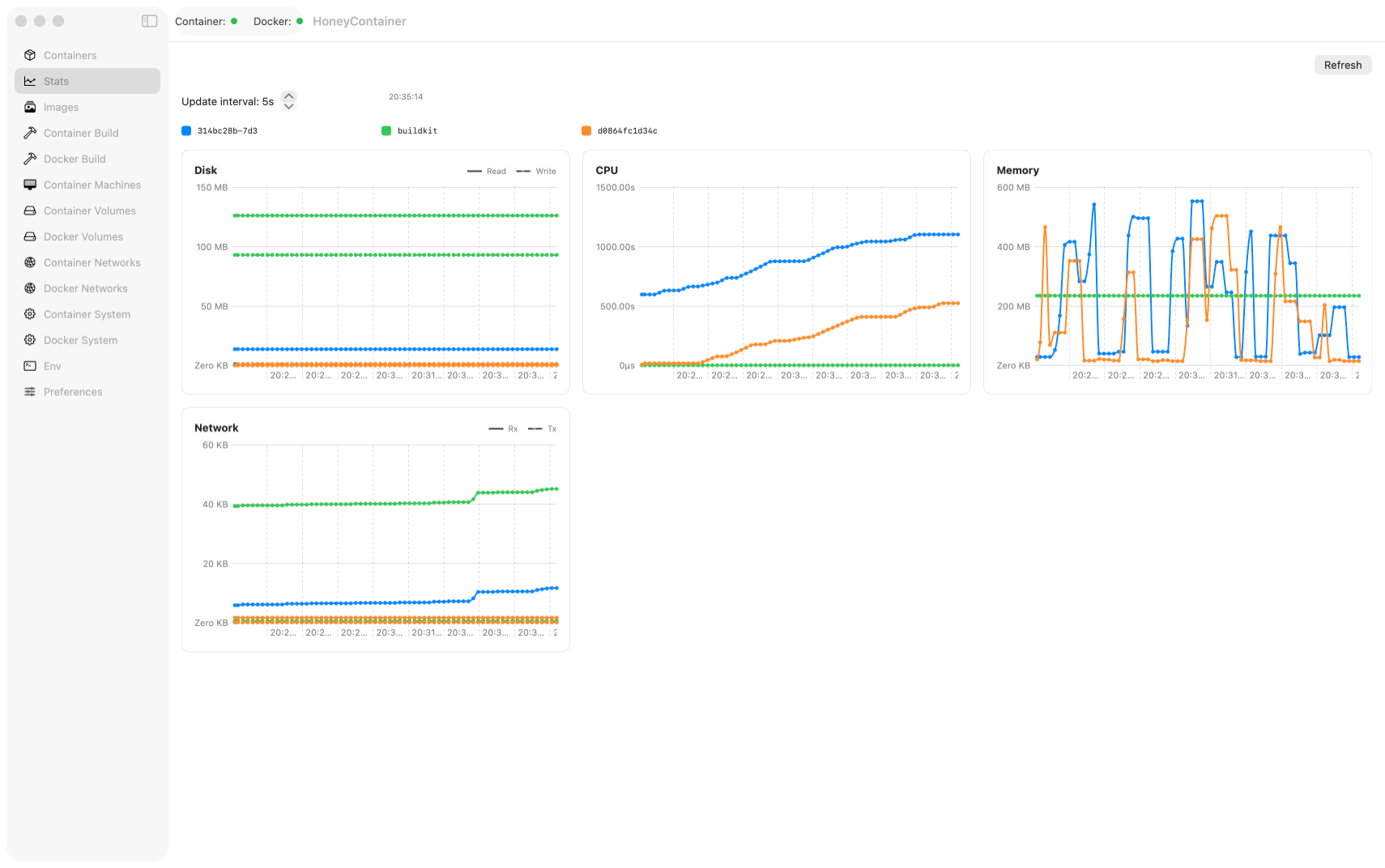
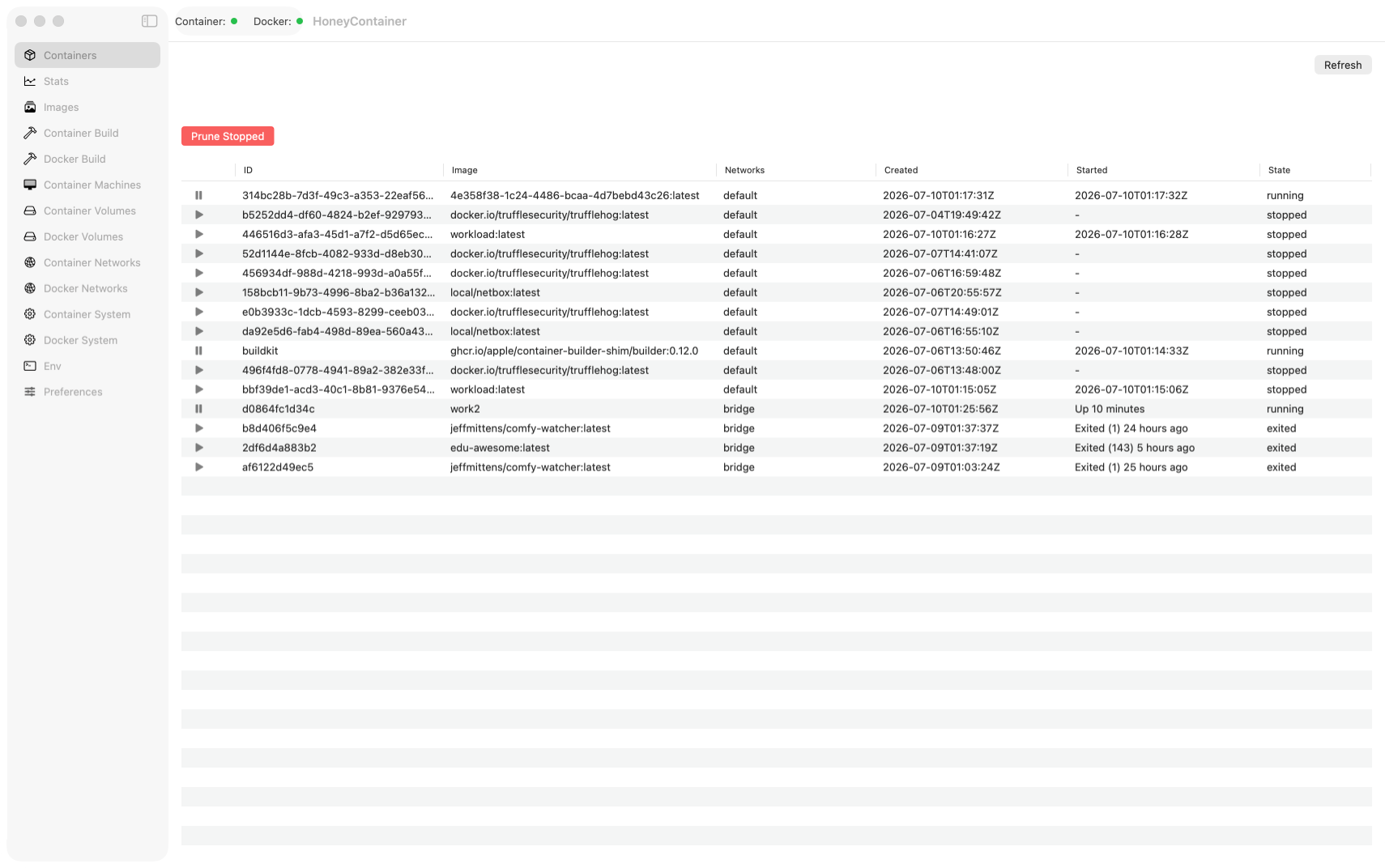
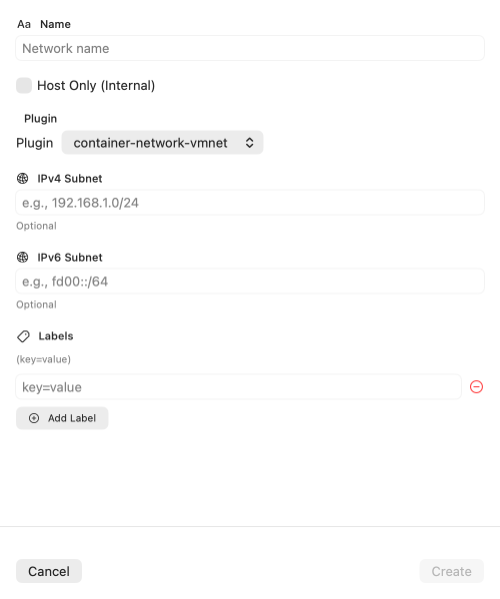
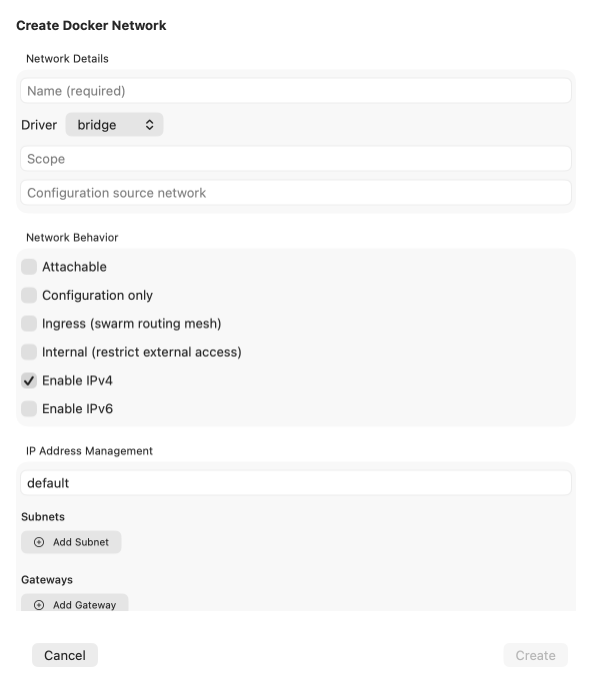
Install Docker, Apple Container, or both. HoneyContainer detects the available runtimes and provides one native Mac interface for creating, running, inspecting, and troubleshooting their containers. HoneyContainer is a management application—not a container runtime—and does not replace or bundle Docker or Apple Container.
HoneyContainer is an independent application and is not endorsed by Apple Inc. or Docker, Inc.
Common questions
Why Use HoneyContainer Instead of Docker Alone?
HoneyContainer doesn’t replace Docker or Apple Container—it gives the runtime you already use a native Mac interface built for everyday work.
Why not just use the Docker CLI?
The Docker CLI works great once you know the flags, but day-to-day tasks like browsing a container’s filesystem, tailing logs, watching live stats, or reusing an environment config mean stitching together scripts or memorizing commands. HoneyContainer puts those workflows in a native Mac interface while still letting you drop into a real terminal whenever you want raw CLI control.
Why not just use Docker Desktop?
Docker Desktop is tied to Docker’s own VM and licensing terms, and it only manages Docker. HoneyContainer is a lightweight native SwiftUI app that works with whatever runtime you already have installed—Docker, Apple’s native container CLI, or both—side by side in one interface, without bundling or replacing either.
Does HoneyContainer replace my container runtime?
No. HoneyContainer is a management GUI, not a runtime. You still install and run Docker or Apple Container yourself; HoneyContainer detects what’s available and gives you a visual way to create, inspect, and troubleshoot the containers, images, volumes, and networks they produce.
What do I get that a plain GUI wrapper wouldn’t give me?
Extras built for real workflows: a GUI file browser for container filesystems, one-click terminal launch in iTerm2/Ghostty/Terminal, reusable environment configurations with key-only mode, and an AWS credential helper so containers can assume IAM roles without exposing long-lived keys.
Curious how it’s built under the hood? See the architecture design →
Beyond the standard container GUI
The Tools Other Interfaces Leave Out
HoneyContainer goes beyond basic management with practical, Mac-native workflows that keep files, terminals, environments, and credentials close at hand.
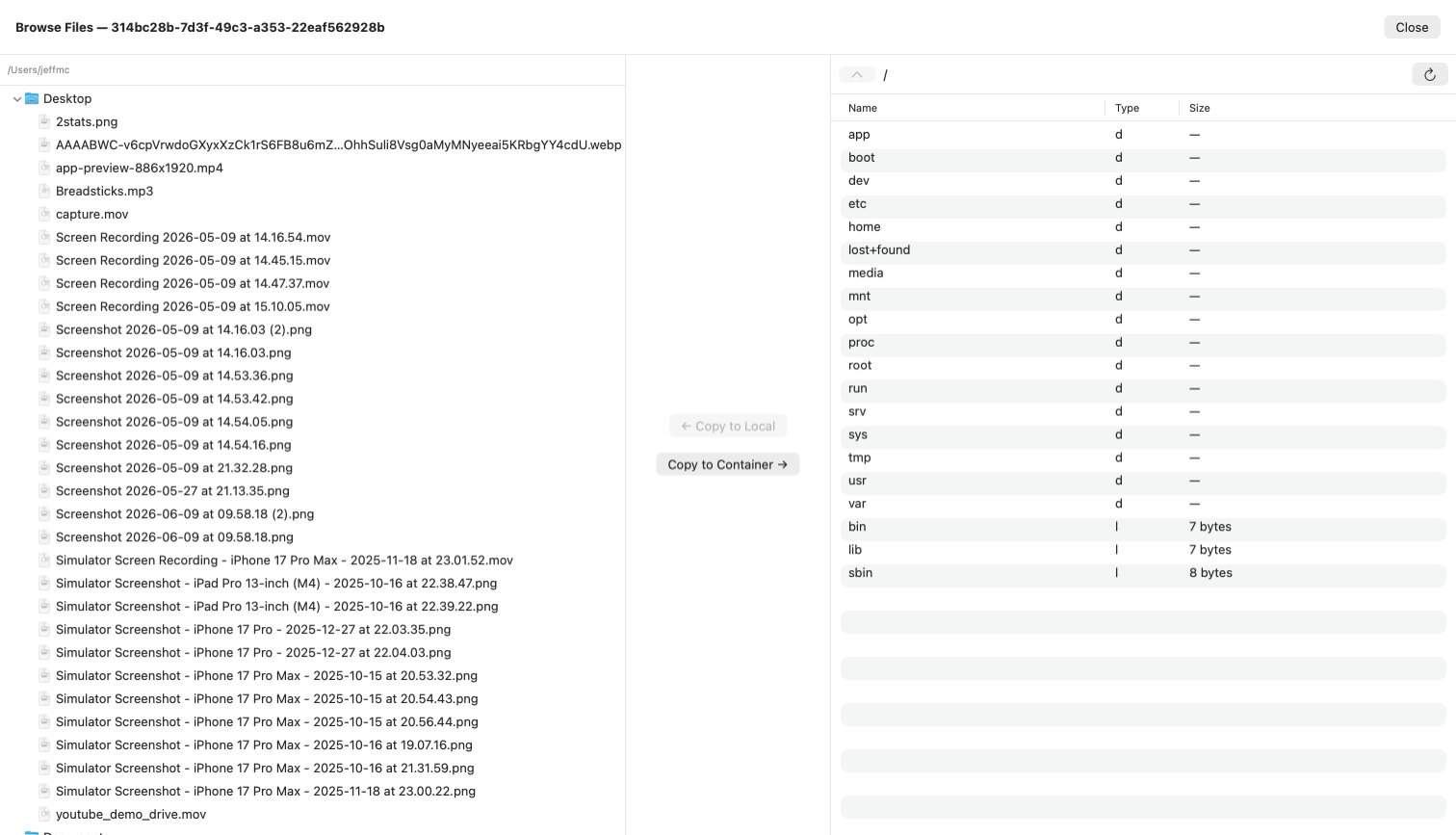
GUI File Browser
Browse a container’s filesystem visually and copy files in or out without memorizing paths or reaching for command-line utilities.
Terminal, Your Way
Launch container commands quickly in your terminal of choice—iTerm2, Ghostty, or Terminal—so you can move from visual inspection to hands-on work instantly.
Environment Configuration
Save and reuse environment configurations across container runs with support for key-only modewill inherit current shell env values for security.
AWS Credential Helper
Securely run containers locally with AWS credential helper support, allowing containers to access AWS services without exposing keys directly to the container.
System Requirements
HoneyContainer is optimized for modern Apple hardware, macOS, and local Docker-compatible container workflows.
Apple Silicon Mac
M1, M2, M3, M4, or newer
macOS Version
26.0 or later
Local Runtime
Docker or Apple containers must be installed and configured
HoneyContainer connects to software installed on your Mac. It does not include Docker or any other container runtime.
Get HoneyContainer
HoneyContainer is not available on the App Store. Download the DMG directly to start managing Docker and Apple containers from one native Mac app.
Version, checksum, release notes, and the direct DMG download.
HoneyContainer is an independent application and is not endorsed by Apple Inc. or Docker, Inc.
App Store® and macOS® are registered trademarks of Apple Inc.