
Powerful Features for Modern Development
A developer-focused GUI for Mac to work with Docker and Apple containers, plus the containers, images, volumes, and networks they expose. Everything you need to manage your containerized applications.
Container Workloads
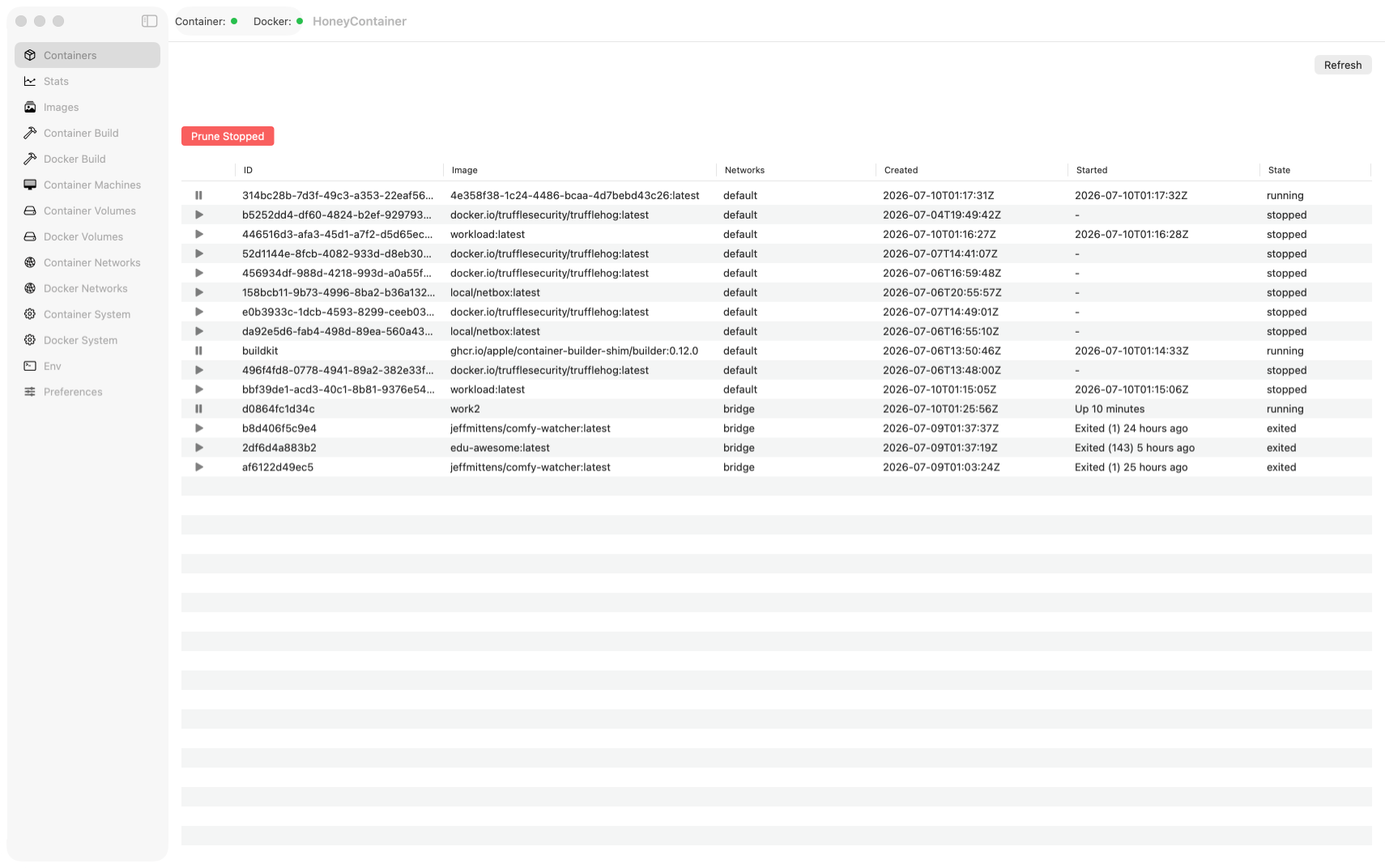
Run, stop, and manage local containers from Docker and Apple Container installations. View logs, inspect details, execute commands, and review resource usage and networking without leaving the app. Easily restart, pause, or remove containers with intuitive controls. HoneyContainer does not display or configure health checks.
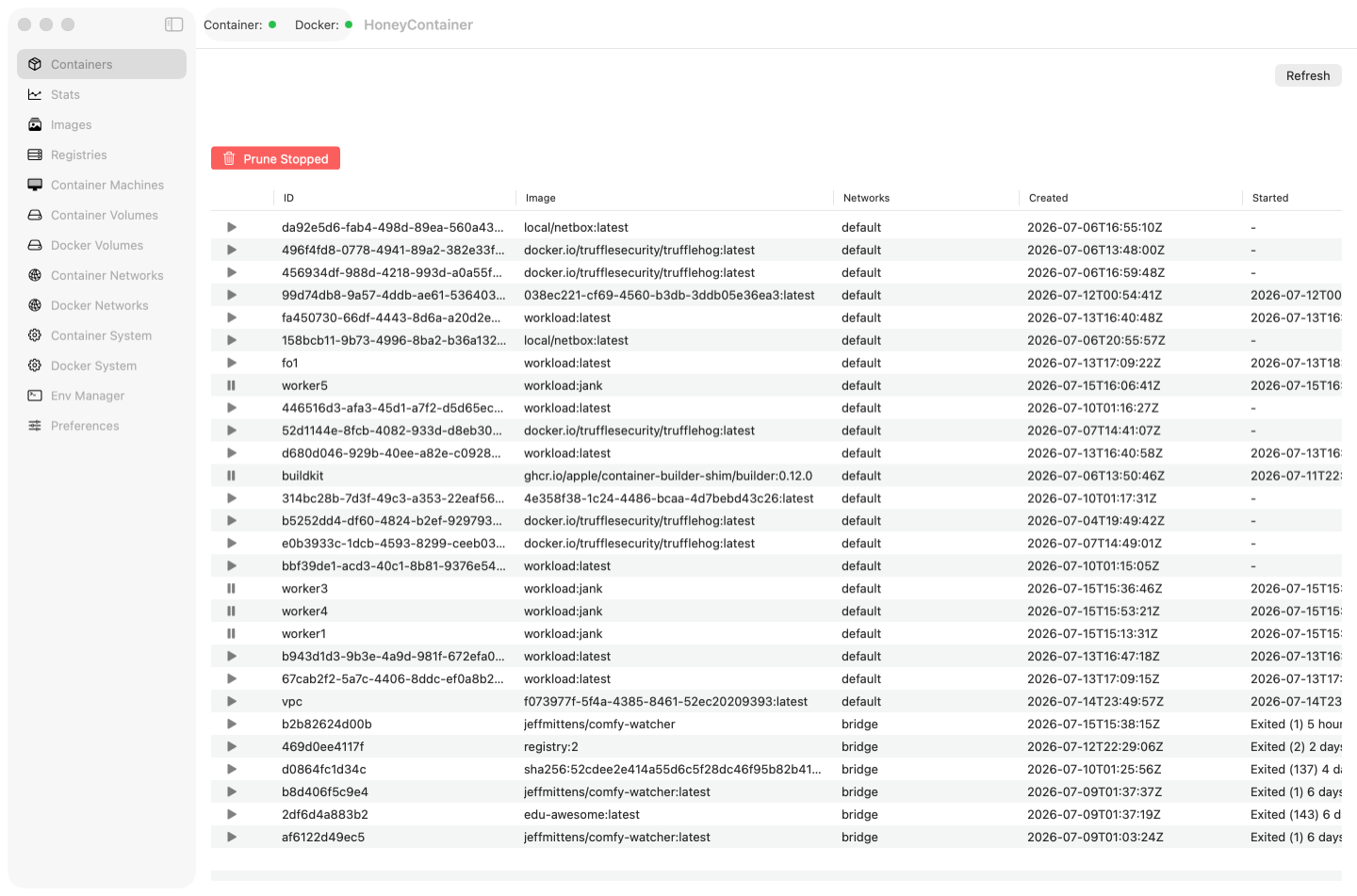
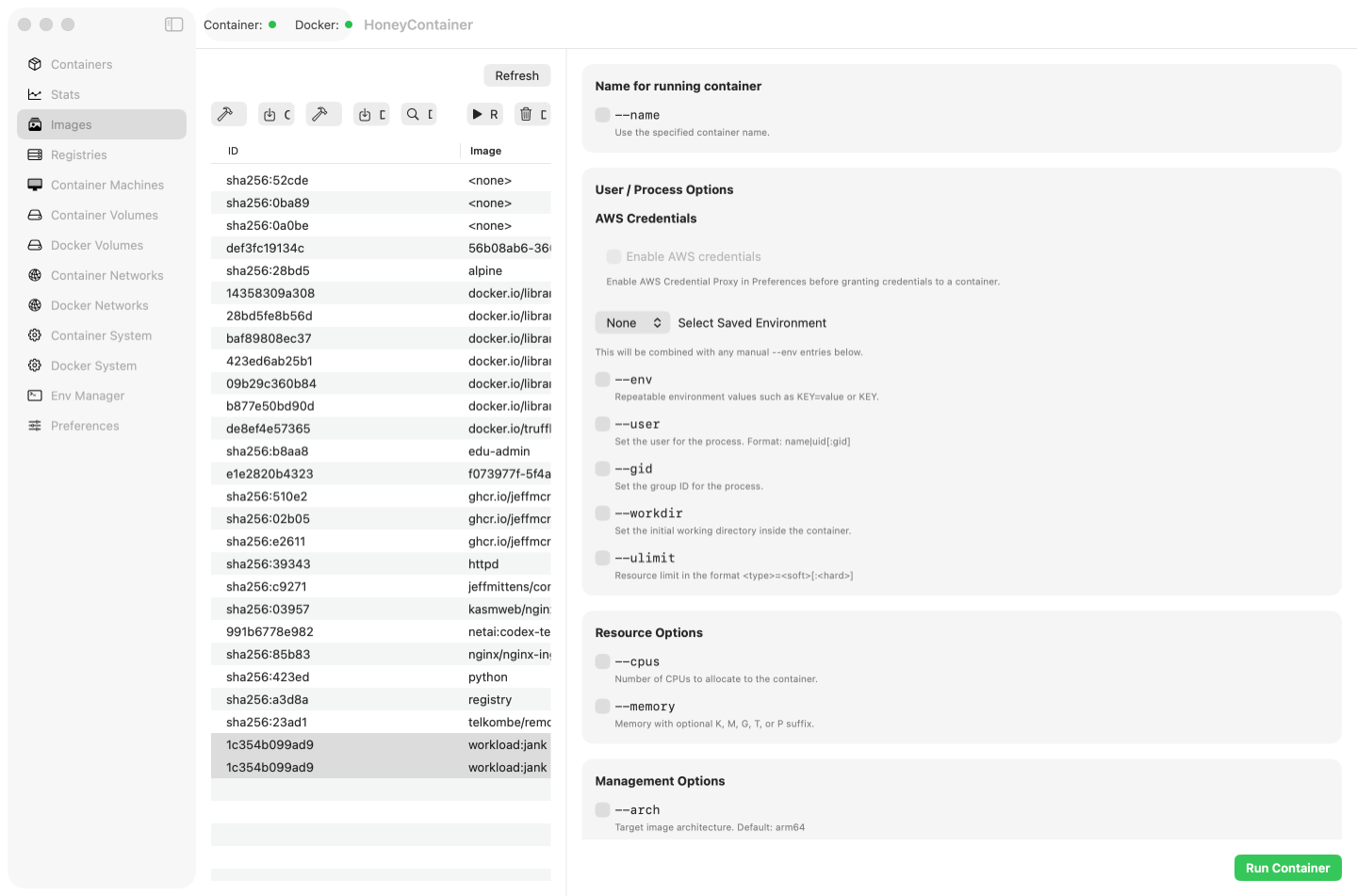
Image Management
Browse, build, and manage container images across Docker and Apple containers. Launch containers directly from your image library with just a few clicks. Tag, push, and pull images from registries. Clean up unused images to save disk space and keep your system organized.
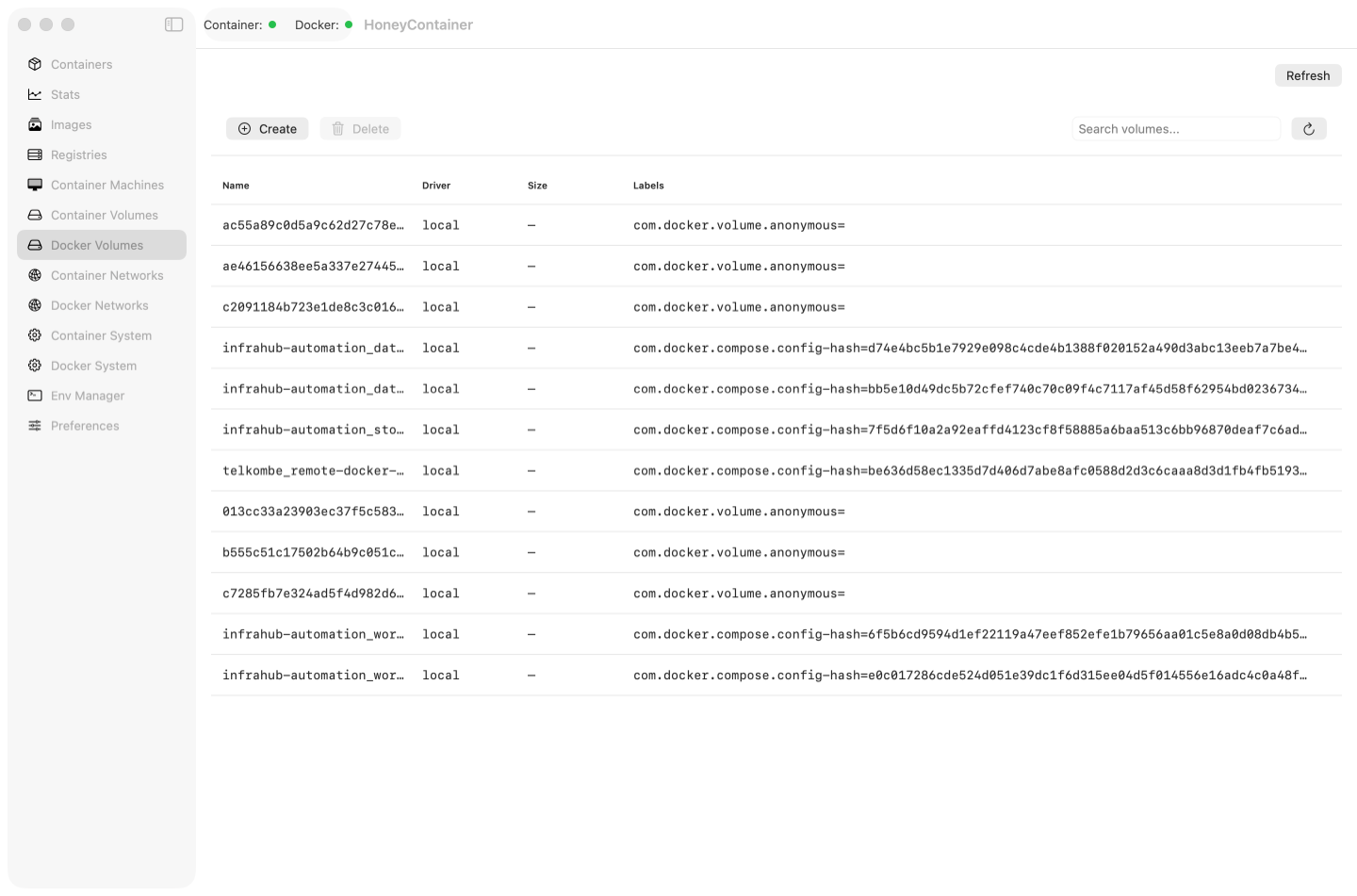
Volume Management
Create and manage named volumes with size limits, driver options, and custom labels for better organization. Mount volumes to containers, browse their contents, copy files in or out, and export or restore volume data.
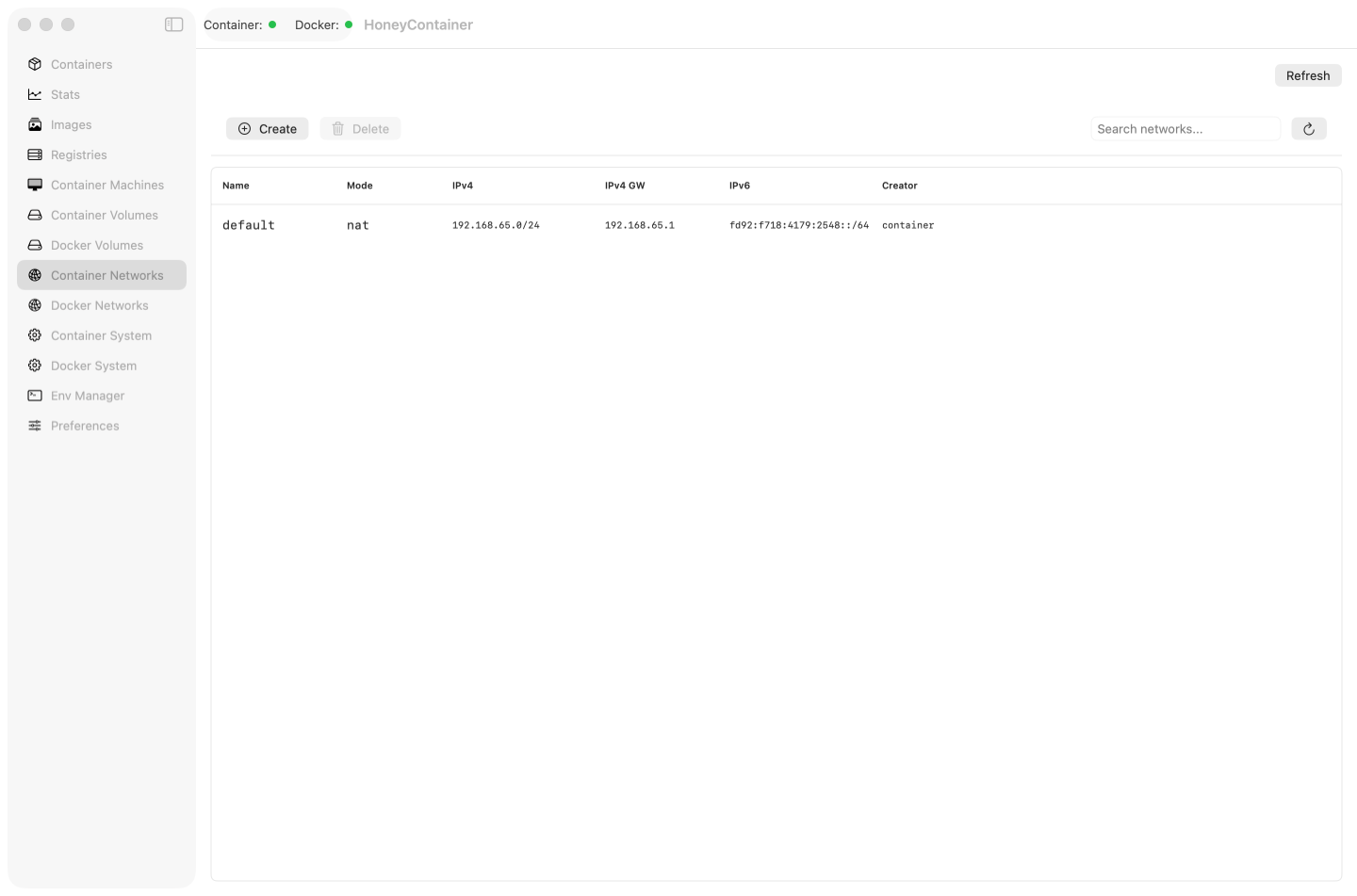
Network Management
Configure custom networks with IPv4/IPv6 subnets, labels, and driver options. Connect or disconnect containers and see which containers belong to a network. HoneyContainer uses drivers installed in the selected runtime rather than installing or managing network drivers itself.
Virtual Machines
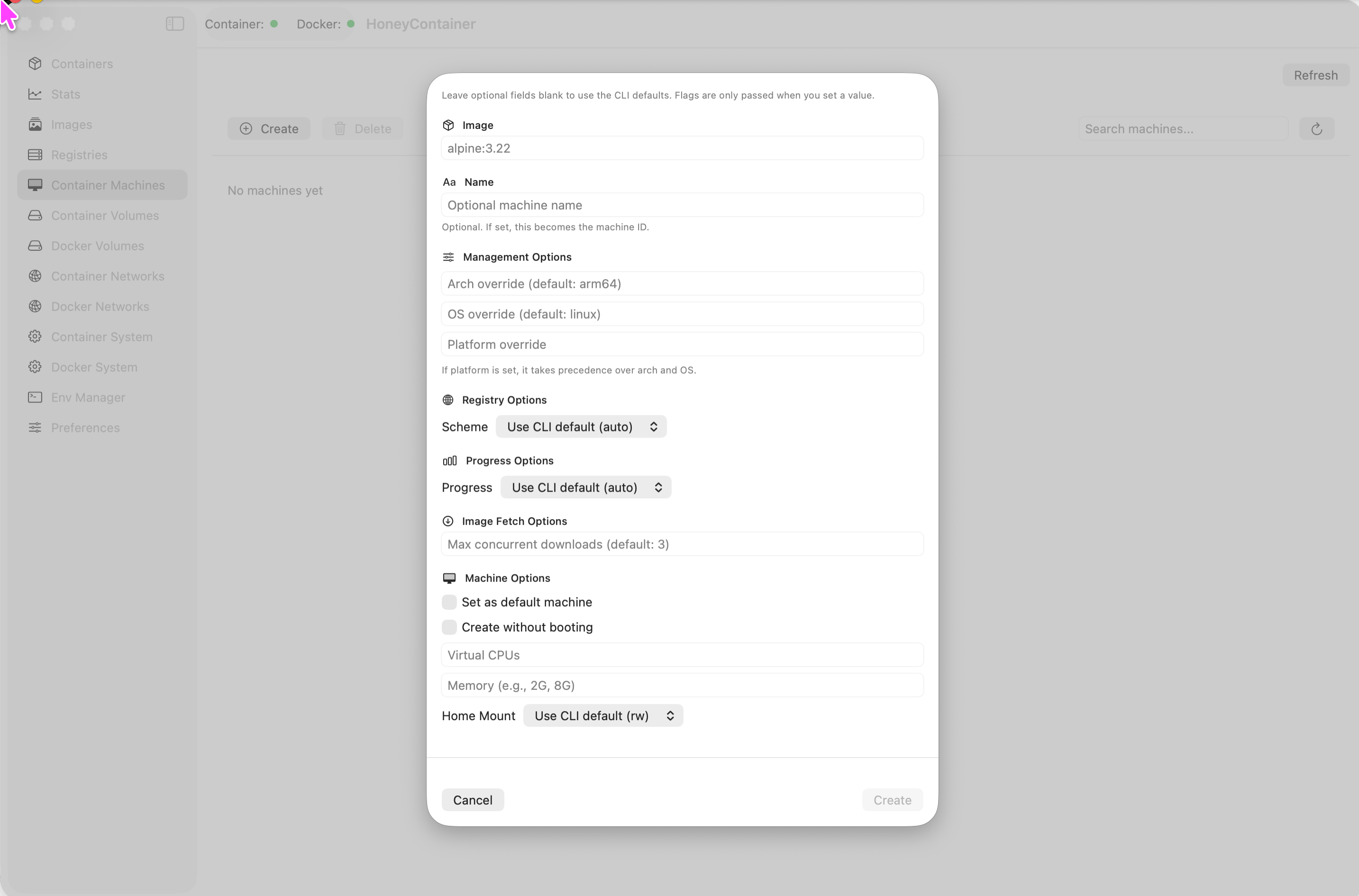
Create and manage virtual machines with configurable CPU, memory, and disk space. Track status and IP addresses. Start, stop, and restart VMs with a single click. Monitor VM performance metrics in real-time. Perfect for testing and development environments.
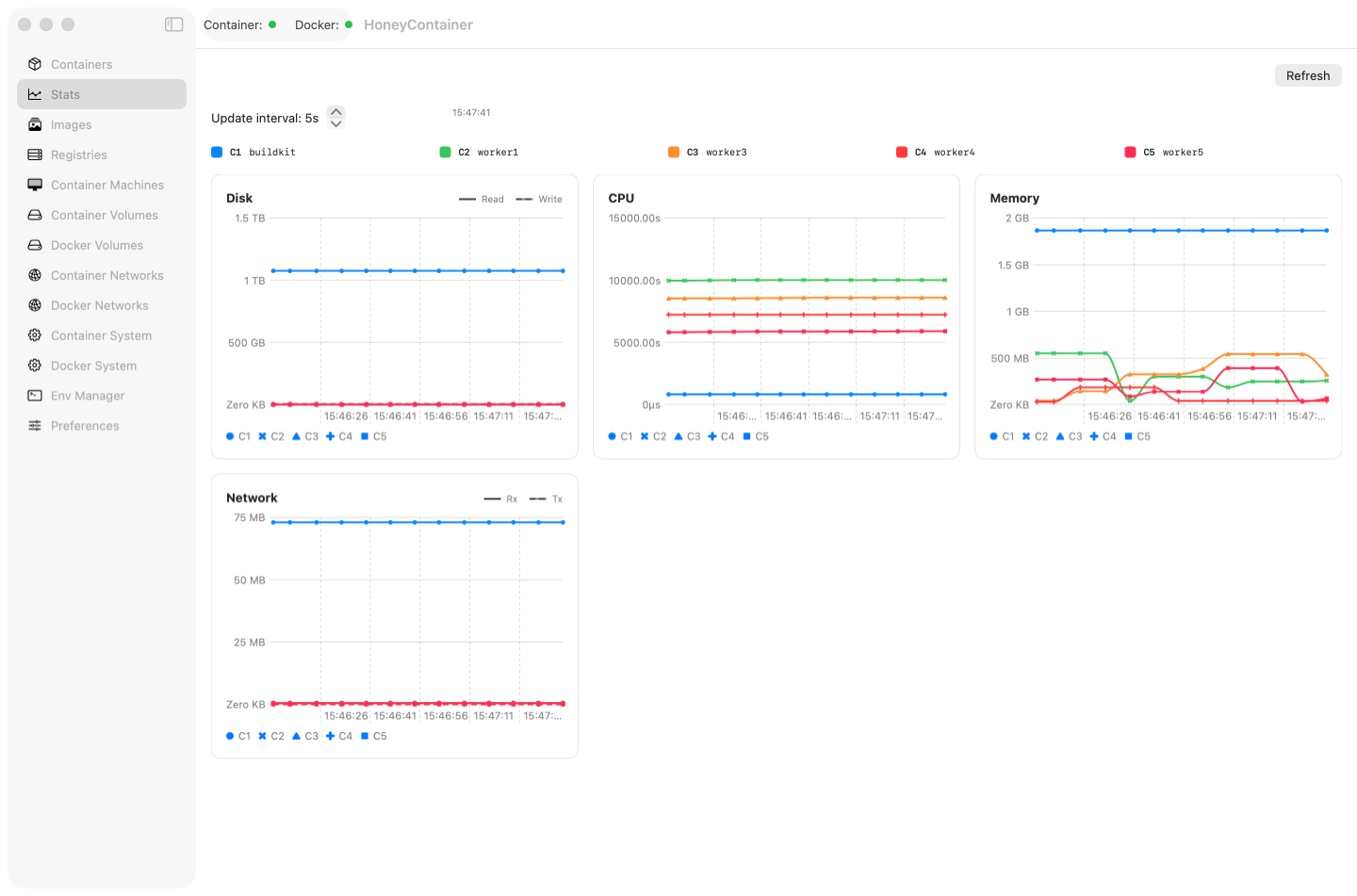
Real-Time Statistics
Monitor container performance with live metrics, customizable refresh intervals, and charts tracking CPU, memory, and network usage. HoneyContainer keeps a trailing history while you remain on the Stats page; threshold alerts and statistics export are not currently supported.
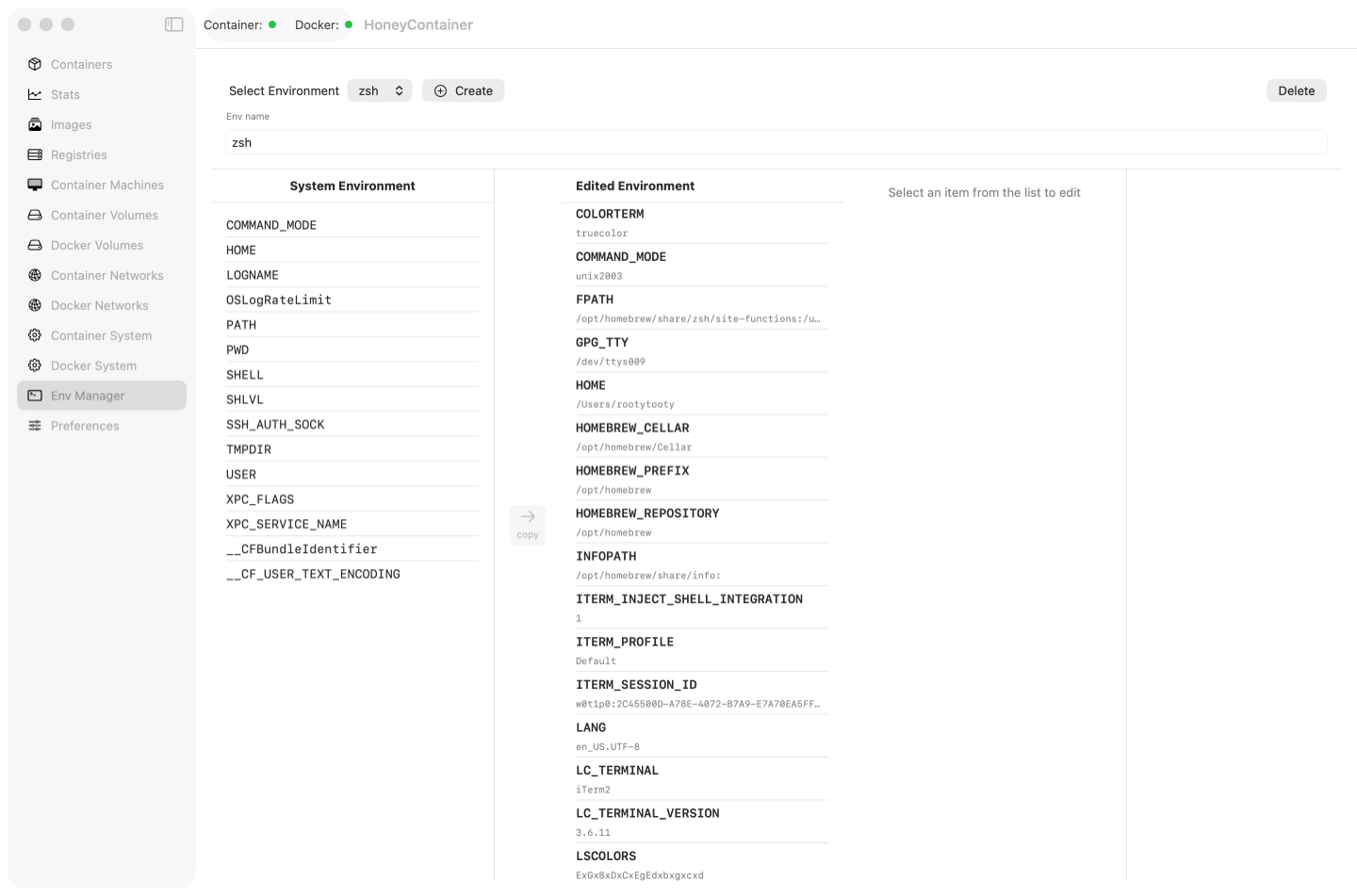
Environment Configuration
Save and reuse environment configurations across container runs with support for key-only modewill inherit current shell env values for security. Import environment variables from files. Create templates for common configurations. Securely manage sensitive configuration data with encryption support.
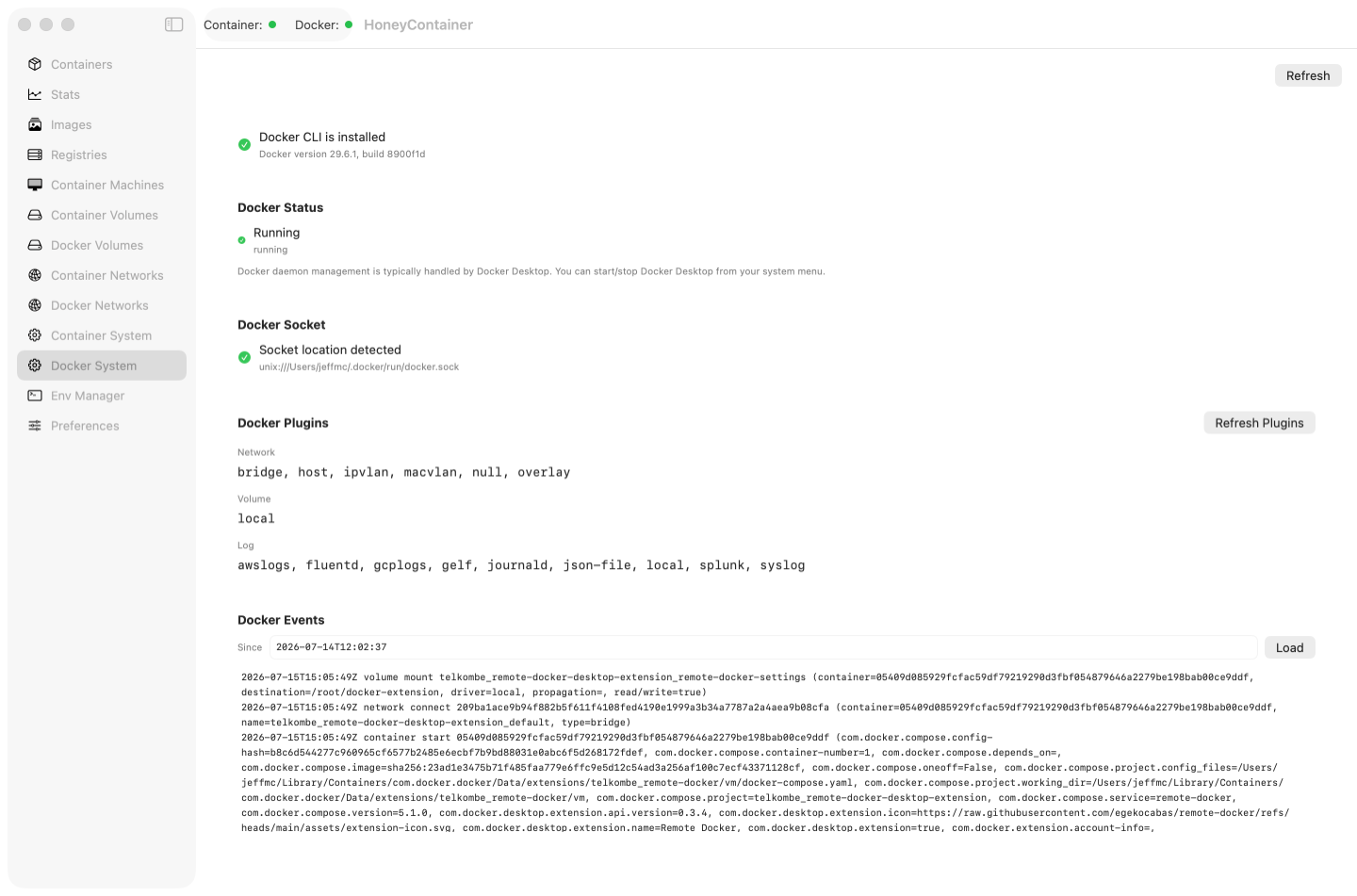
System Monitoring
Check container installation, view system status, stream logs with follow mode, and get links to system updates. Monitor Docker daemon health and resource usage. Get notifications for important system events. Quick access to container and system logs with powerful filtering.
AWS Credential Helper
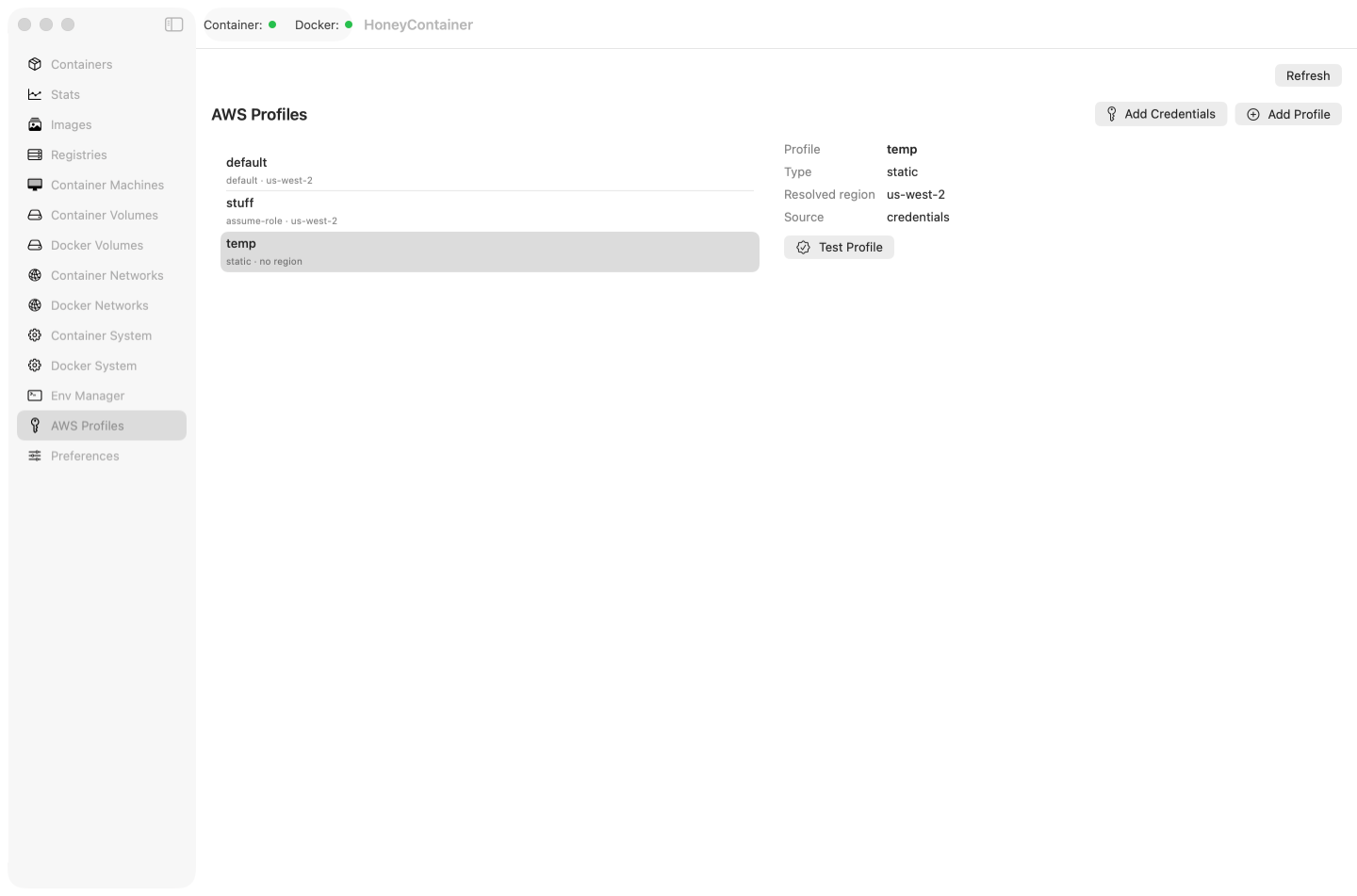
Run local containers with AWS credential proxy support, structure and save new AWS profiles, and use IAM role assumption without exposing long-lived keys directly to the container. HoneyContainer does not automatically rotate credentials or delete AWS profiles.
Accessibility
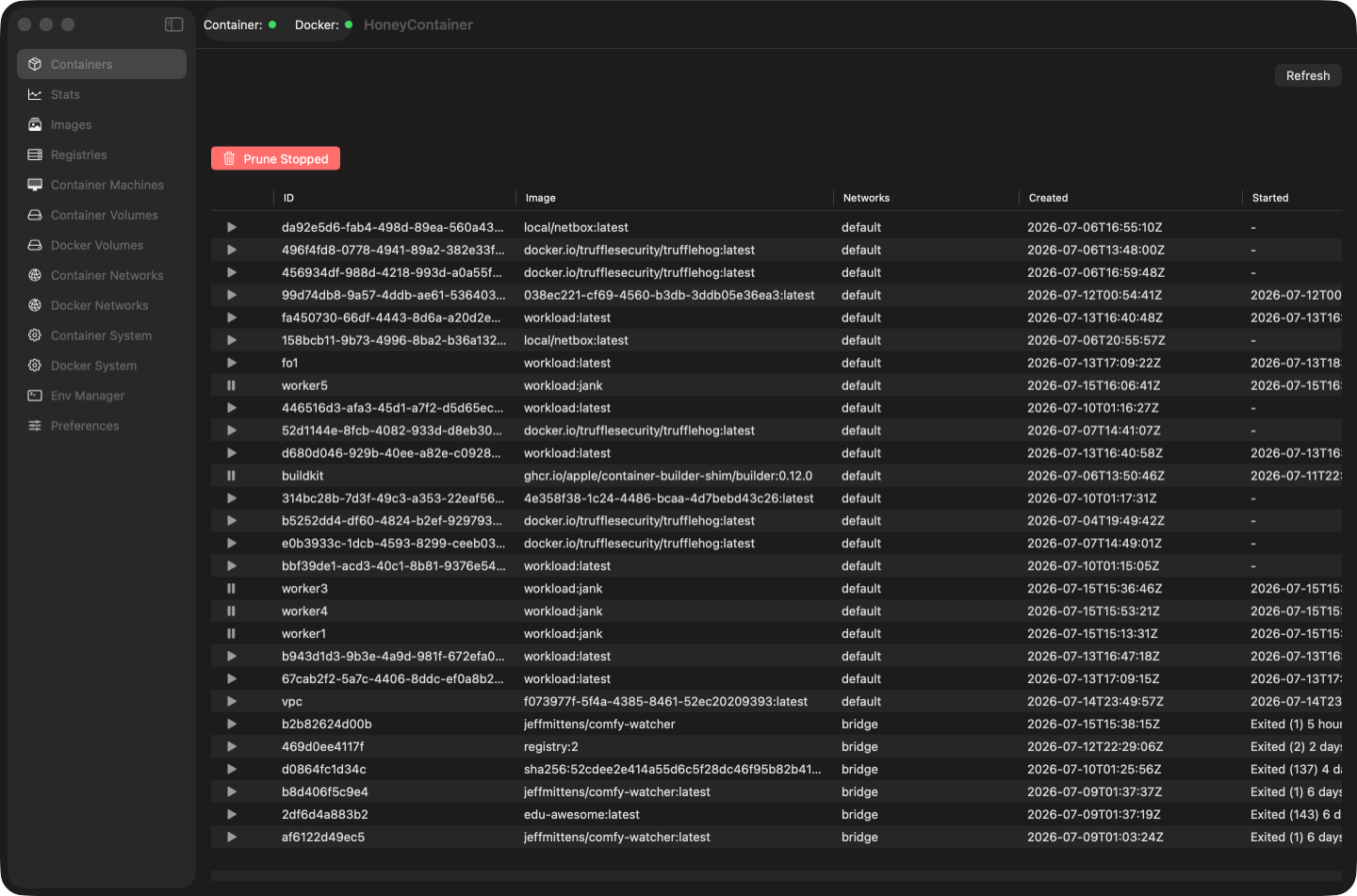
Full dark mode support that will change how you work forever. Plus system appearance sync, high-contrast mode, reduced motion support, and comprehensive screen reader labels—built from the ground up for everyone. Keyboard navigation throughout the entire interface. Customizable font sizes and color schemes.
Privacy First
No app telemetry, tracking, analytics, advertising, or developer account. Preferences and logs stay on your Mac. Network activity occurs only when you initiate features such as image pulls and pushes, AWS access, feedback, or workloads that communicate through their runtime.
Ready to Get Started?
Download HoneyContainer today and experience the best container management tool for macOS.
Download Now